
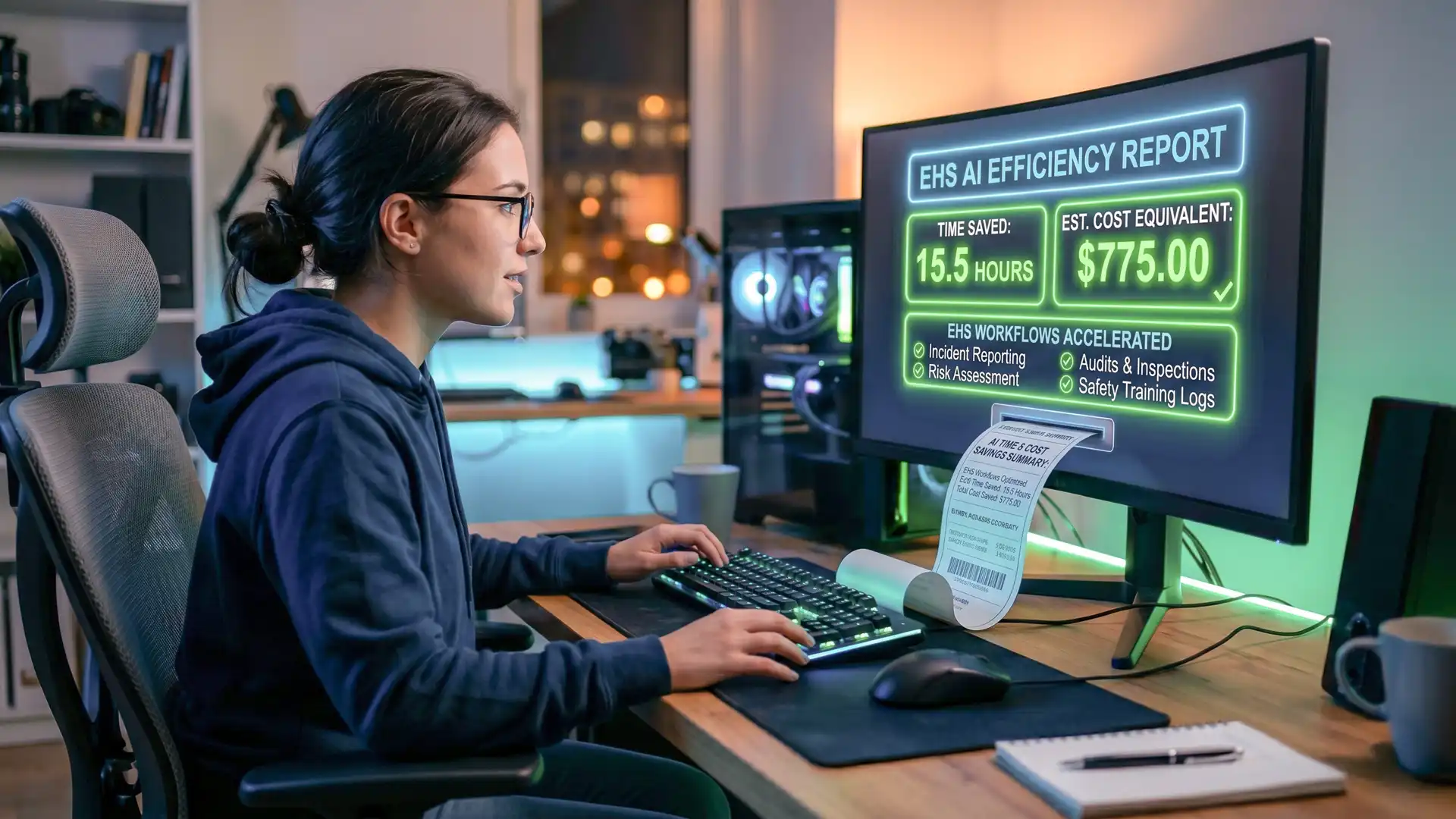
A safety advisor turns around a new permit-to-work procedure in twenty minutes. A HSE manager drafts an incident report in the time it used to take to find the template. Across the safety teams Pocketknife Group® works with, AI is already augmenting safety professionals' practice day-to-day. But how do you assess the value that AI provides safety teams?
A receipt for EHS AI work
The EHS AI Work Receipt is a prompt you can run at the end of a task, in the same chat where you did the work. It reads back over the session and produces a receipt covering what was produced, how long it would have taken manually, how long it took with AI, the value beyond time, what you checked before relying on it, and what might be wrong. You review it, adjust anything that's off, and sign it.
Time saved, and the dollar return
Much of a safety professional's week goes on administrative work: reporting, writing and revising procedures, keeping documentation current, and working through analysis. Reducing the time that work takes is one of the clearest returns AI offers, because the hours saved convert directly into a dollar figure that a manager can set against the cost of the tool.
The receipt makes that conversion for you and includes the dollar figure as standard. It works from your salary or day rate, and shows the calculation on the page so the number can be checked. If you'd rather not show money, you can delete that line before you save the prompt.
Value beyond time
Time and its dollar value are concrete, but a figure for hours saved doesn't always capture everything the work was worth. It's holistic value. The receipt records four value streams that can evidence from the session itself:
- Skills drawn on: the distinct professional capabilities a task called for, such as technical writing, regulatory interpretation, risk analysis and data classification, often several in one sitting.
- Modes and process: whether the work involved research, analysis, reasoning through options or synthesis.
- Material handled: the documents, pages and sources worked across, where a manual review would have run to hours.
- Output reach: the distinct outputs and audiences produced, such as a formal procedure alongside a frontline briefing, a technical document and a plain-language summary, or a version translated for a multilingual workforce.
Output reach is where some of the clearest value lives. Producing a procedure and its workforce briefing in one pass, or delivering a document in a second language, reaches people who would otherwise need a separate piece of work, a translator, or who simply go unserved.
What the receipt provides
The receipt reports only what the AI can see in the session. It estimates time, names the skills and process, counts the material and the outputs. It doesn't rate the quality of the work. Quality is the part you add. The receipt measures what's countable; the judgement of whether the work is good belongs to the professional who produced it and those who receive it.
How to use it
Use the EHS AI Work Receipt on your EHS AI work tasks such as periodic reporting, drafting and rewriting procedures, gap analysis between documents, classifying incident or audit data, and building plans. Do the task as you normally would, then paste the prompt as your final message in the same conversation. If the AI can fill everything in, it prints the receipt. If it needs something only you can answer, such as whether the tool sits inside your organisation's policy, it asks a couple of short questions first.
Add it to your Copilot Prompt Gallery
Most in-house teams have Microsoft 365 Copilot as their approved tool, and it lets you save a prompt once and reuse it with a click. Run the prompt once in Copilot Chat, hover over your prompt text to reveal the bookmark icon, then select Save prompt. Give it a title, adjust the prompt text if you need to, and save. It will be filed under the “Your prompts” tab in the Prompt Gallery, ready to reuse, and you can share it across your team from there.
Here is the full prompt. Read it through and make it yours: copy it as it is, or adjust any part to fit how you work. The dollar line, for one, is there by default. Keep it, change the rate basis, or delete it if you'd rather not show money.
EHS AI Work Receipt

You are producing an EHS AI Work Receipt — a short, factual account of work I completed with your help in this chat, which I'll give to my manager to demonstrate the value of using AI in my health and safety practice. I'm an in-house H&S professional using an organisation-approved AI tool.

This task benefits from careful reasoning. If you can work in a deeper reasoning or "thinking" mode, use it. If it isn't switched on, tell me in one line that a reasoning-capable model will give a more accurate estimate, then carry on.

Work through it in this order:

1. Read back over our session and identify what was actually finished. Account only for completed work — don't count drafts, discarded ideas or unused material. Be conservative about what counts as done.
2. Fill in everything you can infer from the session yourself: the task, the finished output, the time estimates, the value fields (skills drawn on, modes and process, material handled, output reach), the risk, and the verdict.
3. Ask me only what you can't know from the session — whether the tool use was within policy, what data I kept out, what I checked or corrected, my annual salary or day rate, and my name to sign. If your draft verdict is HIGH or EXCEPTIONAL, also show me the estimated time saved as a range and ask me to confirm or correct it, since a large saving depends on work done outside this chat that you can't see. Ask all of this as one short numbered list, then wait.
4. Once I've answered, print the final receipt in the format below, using today's date.

How to set the verdict:
- The band is set by time saved, so it means the same thing for everyone regardless of pay. Bands: NOT WORTH IT (no time saved, or AI took as long or longer) · LOW (under ~1 hour) · MEDIUM (~1–4 hours, up to about half a day) · HIGH (~4–15 hours, about half a day to two days) · EXCEPTIONAL (more than ~15 hours, beyond about two days).
- You may lift the verdict by one band, never more, only if the session produced something that wouldn't have been possible alone or in the time available, judged on observable yes/no facts: it was delivered in more than one language; an analysis or synthesis was produced across more material than a person could realistically have reviewed in the time; or several distinct, substantial deliverables were produced that would normally be separate pieces of work. Do not lift based on how good the work is. The lift cannot reach EXCEPTIONAL — that band is reserved for time saved alone.
- Show the dollar figure in the headline as the personal payoff, but never let it set the band.

Rules:
- For the manual baseline, estimate the full realistic time a competent H&S professional would take to reach this output by hand — including the drafting, iteration and rework that manual work normally involves, not just typing up the final clean version. Show your reasoning in one line (length, complexity, source documents).
- Estimate the AI-assisted time from this session and label it [calibrate] so I can correct it.
- For the value fields, report only what you can evidence from this session. State the skills, process and outputs as facts. Do not rate the quality of the work, and do not invent figures. If a field doesn't apply, leave it blank.
- Convert time saved into a dollar figure using the rate I give you (hourly rate = annual salary ÷ 1,824 hours, or day rate ÷ 7.6 hours) and show that working on the line.
- Plain, factual language. No marketing tone, no inflation. Use plain capitals for the verdict and labels, not symbols or markdown, so the receipt survives being pasted anywhere.

Fill this in:

EHS AI WORK RECEIPT — VALUE: [BAND]

Task:        [one line]
Time saved:  [range]
Cost saved:  [$ range]
Plus:        [one line of value beyond time, e.g. 2 distinct outputs; 6 skills drawn on]
-----------------------------------------------
Full detail below.

Date: [today's date]
Tool: [name] — used within policy  [ ] confirm
Data handling: no sensitive, personal or identifiable information was entered beyond what policy allows  [ ] confirm

Task / workflow: [e.g. periodic reporting · drafting a procedure · rewriting a procedure · document gap analysis · classifying incident or audit data · building a plan]
Finished output: [what was actually completed]

TIME AND COST
Manual baseline (estimated): [time] — [one-line reasoning, incl. drafting/rework]
AI-assisted time: [time]  [calibrate]
Time saved: [difference]
Rate (for the estimate): [annual salary or day rate — I'll ask you for this]
Cost saved (estimated): [calculated] — hourly rate = annual salary ÷ 1,824 hrs (38 hrs/week × 48 weeks), or day rate ÷ 7.6 hrs; change the basis if yours differs

VALUE BEYOND TIME
Skills drawn on: [distinct professional capabilities the task called for, e.g. technical writing, regulatory interpretation, risk analysis, data classification]
Modes & process: [how the work was done, e.g. researched, analysed, reasoned through options, synthesised]
Material handled: [documents, pages or sources worked across in this session, if any]
Output reach: [distinct outputs, audiences, languages or registers produced, e.g. formal procedure + frontline briefing; technical document + plain-language summary]

ASSURANCE
Review & verification: [what I checked, corrected or rewrote] — human verified before use  [ ] confirm
Accountability: I own this output and how it's used — [name]  [ ] sign

Risk / limitations: [what could be wrong, incomplete or misleading]
Verdict basis: [BAND] — [time-based band; if lifted one band, say so and name the observable trigger]
A record like this helps shift the conversation about the value of AI from opinion to evidence. Rather than debating whether the tools help, a safety team can show what they produced, what it covered and what it saved, including ethical and responsible usage.
If you're working out how to take your team's AI use from individual experiments to something the organisation can see, govern and build on, that's the work we do.